This code will return true while it's waiting to load the external script - and if called again (i.e. at a later date or if you've got an excited user) will know that the script has already been loaded.
It allows for scripts to be loaded on demand without the use of an external library such as Dojo to allow for imports.
It also caches the function that requested the script to be loaded, to then execute it again when it's ready.
Note: the code does support the calling function to have parameters - it uses the arguments.callee.caller.arguments to pass the args back in.
/**
* Only returns true when the external script has been
* loaded in to the DOM.  It uses arguments.callee.caller
* to work out which function is the callback.
*
* @param url {String} URL of external script
* @param obj {String} The name of a function or variable
* within the external script to test for.
* @license: Creative Commons License -
* ShareAlike http://creativecommons.org/licenses/by-sa/3.0/
* @author Remy Sharp / leftlogic.com
*/
function waitingForScript(url, obj) {
  // doesn't work in Opera
  var callback = arguments.callee.caller;
  var args = arguments.callee.caller.arguments;
  var s, ok, timer, doc = document;

  // if the object/function doesn't exist and we've not tried to load it
  // then pull it in and fire the calling function once complete
  if ((typeof window[obj] == 'undefined') && !window['loading' + obj]) {
    window['loading' + obj] = true;

    if (!doc.getElementById('_' + obj)) {
      s = doc.createElement('script');
      s.src = url;
      s.id = '_' + obj;
      doc.body.appendChild(s);
    }

    timer = setInterval(function () {
      ok = false;
      try {
        ok = (typeof window[obj] != 'undefined');
      } catch (e) {}

      if (ok) {
        clearInterval(timer);
        callback.apply(this);
      }
    }, 10);

    // we're loading in the script now, so we're currently waiting
    return true;
  } else if (typeof window[obj] == 'undefined') {
    // object not defined yet, so we're still waiting
    return true;
  } else {
    // it's already loaded
    return false;
  }
}
Usage
function MyFunction() {
  console.log('Testing whether jQuery is loaded (' + !!(typeof jQuery == 'function') + ')');
  if (waitingForScript('http://jquery.com/src/jquery-latest.js', 'jQuery')) return;
  console.log('Do some action with jQuery');
}

MyFunction("arg1", { "arg" : "two" });
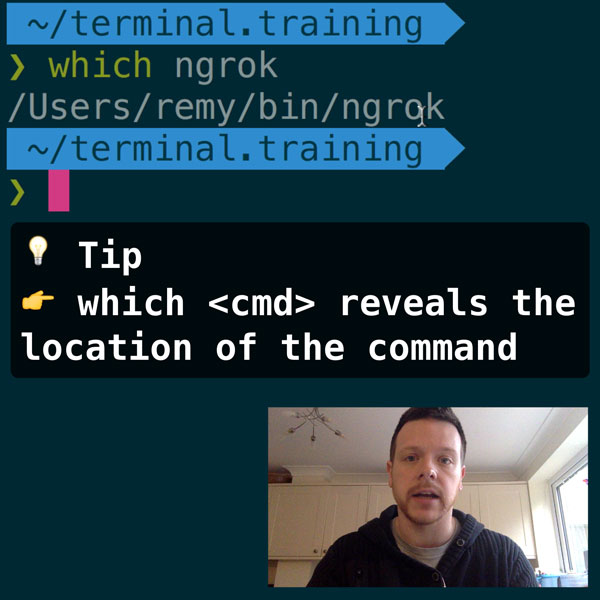
READER DISCOUNTSave $50 on terminal.training
I've published 38 videos for new developers, designers, UX, UI, product owners and anyone who needs to conquer the command line today.
$49 - only from this link